How to Protect Your Crypto from Phishing in 2026
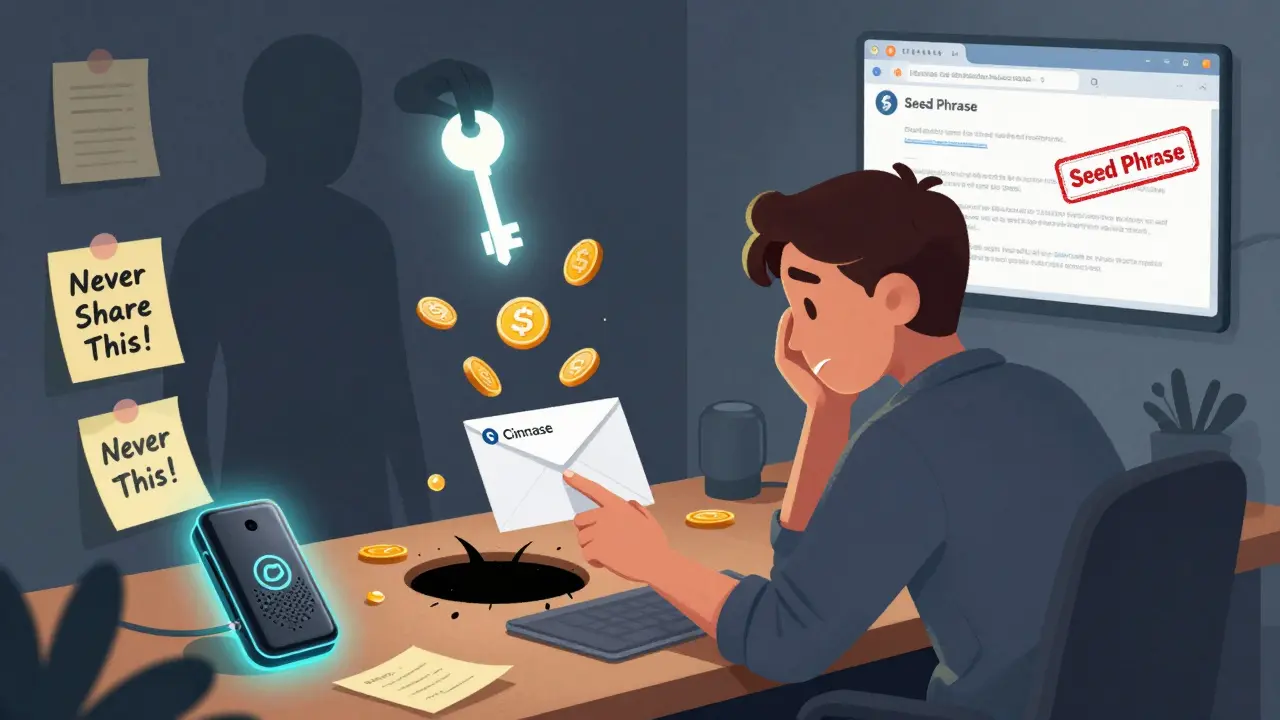
Every year, millions of dollars in cryptocurrency vanish because someone clicked a link that looked real. It’s not hackers breaking into systems-it’s phishing. And in 2026, it’s smarter, sneakier, and more dangerous than ever. You don’t need to be a tech expert to fall for it. You just need to trust a message that looks like it came from Coinbase, MetaMask, or your exchange. The truth? No legitimate service will ever ask for your seed phrase. Ever. But scammers know that, and they’re counting on you forgetting.
What Exactly Is Crypto Phishing?
Crypto phishing isn’t about hacking your wallet. It’s about tricking you into giving up your access. Attackers send fake emails, texts, or DMs that look like they’re from your favorite crypto platform. They might say your wallet is locked, your transaction failed, or you’ve won a bonus. Click the link, enter your password or seed phrase, and boom-you’ve handed over your keys. No brute force. No complex code. Just a well-crafted lie.In 2025, phishing accounted for nearly 60% of all crypto thefts, according to blockchain analysts. That’s more than hacks, exploits, or insider leaks combined. The reason? It’s cheap, scalable, and works on everyone-even experienced users. One person clicking a fake “login” page can lose $50,000 in seconds. And scammers have thousands of these pages running at once.
Your Seed Phrase Is the Key to Everything
Your 12- or 24-word seed phrase is the master key to your crypto. It’s not a password. It’s not something you can reset. If someone gets it, they own your wallet. Forever. No recovery. No customer support. No help.That’s why the first rule of crypto safety is simple: Never type it in, never share it, never store it digitally. No screenshots. No cloud notes. No Google Docs. No email. No chat. Not even on a password manager. If you write it down, use a pen and paper. Store it in a fireproof safe. Treat it like the last copy of a will.
Phishers know this. So they don’t ask for it outright. They ask for your password. They ask you to “verify your wallet.” They send a fake recovery page that looks identical to MetaMask. When you enter your password, they use it to log in-and then they trick you into revealing your seed phrase with a second popup: “We need to confirm your identity.” That’s when you lose everything.
Hardware Wallets: Your Best Defense
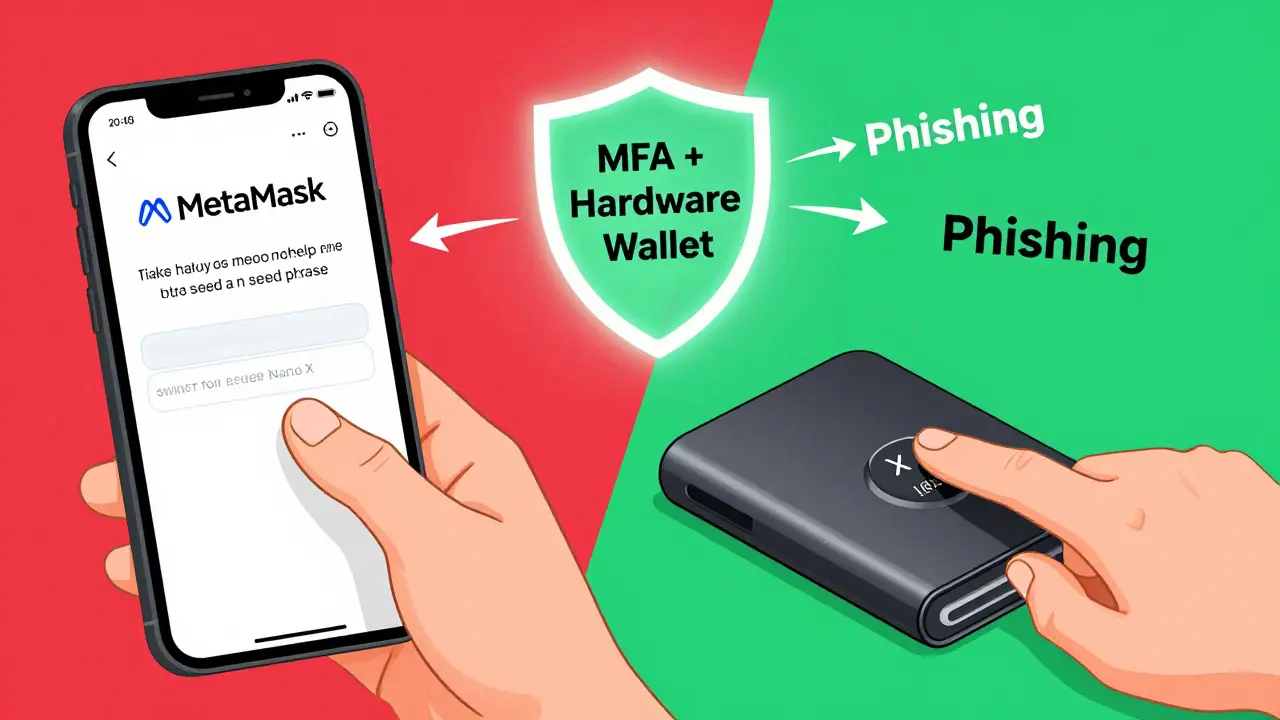
The single most effective tool against phishing is a hardware wallet. Devices like Ledger Nano X, Trezor Model T, or OneKey keep your private keys completely offline. Even if you visit a fake website, the hardware wallet won’t sign a transaction unless you physically press a button on the device. No button press? No transfer. No matter how convincing the scam looks.Software wallets (like MetaMask or Trust Wallet) are convenient, but they run on your phone or computer-devices that can be infected with malware. A hardware wallet is air-gapped. It doesn’t connect to the internet. It only talks to your device when you plug it in. And even then, it requires manual approval for every transaction.
According to security firms like Keepnet Labs, users who store over $1,000 in crypto on hardware wallets are 98% less likely to lose funds to phishing. That’s not a guess-it’s data. If you have any meaningful amount of crypto, a hardware wallet isn’t optional. It’s your first line of defense.
Multi-Factor Authentication (MFA) Isn’t Optional
Using the same password everywhere? You’re already compromised. Phishers buy stolen credentials from dark web marketplaces every day. If you reused that password on Coinbase, Binance, or even your email, they’ll try it everywhere.Enable MFA-real MFA. Not SMS. SMS can be intercepted. Use an authenticator app like Authy or Google Authenticator. Better yet, use passkeys if your exchange supports them. Passkeys use your device’s biometrics (fingerprint or face ID) and public-key cryptography. No password to steal. No code to guess. Just your phone or security key.
According to research from Security.org, MFA blocks 99% of automated phishing attacks. That’s not a marketing claim. It’s based on real data from millions of compromised accounts. If you’re not using MFA on your exchange, your email, and your wallet, you’re leaving the door wide open.
Browser and Email Protection Tools
Your browser is your gateway to crypto websites. Make sure it’s not your weakness.Install a reputable anti-phishing extension like Bitdefender TrafficLight or Netcraft. These tools check URLs in real time and warn you before you land on a fake site. They catch 95% of phishing pages before you even type a password.
For email, enable DMARC authentication. It’s not something you set up yourself-it’s configured by your email provider. But if you use Gmail, Outlook, or ProtonMail, they already do this. If you run your own domain (like [email protected]), make sure DMARC is active. It stops scammers from sending emails that look like they’re from you.
Also, use a password manager. Not just for passwords-for uniqueness. RoboForm, Keeper, or Bitwarden generate long, random passwords for every site. That way, even if one password gets stolen, your other accounts stay safe. And they auto-fill only on the real website. If you’re on a fake site, they won’t fill in your login. That’s a built-in safety net.
Train Yourself Like a Security Pro
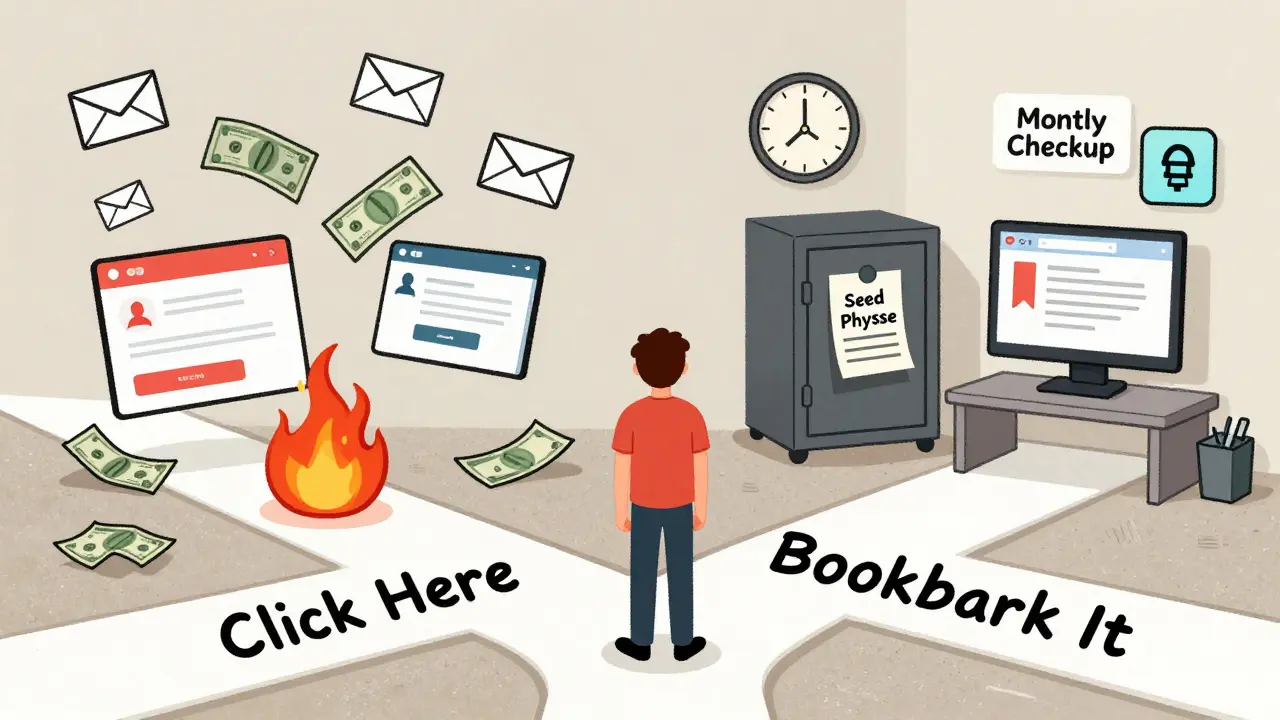
The best tech in the world won’t help if you’re not paying attention.Every month, take five minutes to review your recent transactions. Did you send that ETH? Did you approve that contract? If you don’t remember, investigate immediately. Phishers often send small test transactions to confirm your wallet is active before hitting you with a big one.
Bookmark your real exchange and wallet URLs. Don’t search for “Coinbase login” in Google. Type it manually. Or better yet, use a bookmark you created weeks ago. Phishers buy domains that look like Coinbase.com-like Coinbase-login.com or Coinbase-secure.net. They’re almost identical. Only a bookmark will save you.
Also, create a separate email just for crypto. Not your personal email. Not your work email. A new one. That way, if it gets flooded with spam or compromised, your main accounts stay clean. Use a provider like ProtonMail or Tutanota-both encrypted and privacy-focused.
What to Do If You Get Phished
If you’ve already clicked a link and entered your password or seed phrase, act fast.Step 1: Disconnect your wallet from all dApps. Go to revoke.cash and revoke all permissions. This stops scammers from draining your tokens even if they haven’t moved your main balance yet.
Step 2: Move any remaining funds to a new wallet. Create a brand new wallet on a hardware device. Don’t reuse addresses. Don’t try to recover anything. Just move it out.
Step 3: Report it. File a report with your local cybercrime unit. And report the phishing site to the Anti-Phishing Working Group (APWG). They track these domains and get them taken down.
Step 4: Change every password linked to that email. Your email might be compromised too. If they got in there, they might have reset passwords for your bank, cloud storage, or social media.
There’s no magic fix. Once your seed phrase is out, your funds are gone. But you can stop the bleeding. And you can learn from it.
The Bottom Line
Protecting your crypto from phishing isn’t about being tech-savvy. It’s about being disciplined. It’s about refusing to rush. It’s about asking: “Does this make sense?” before you click.Use a hardware wallet. Enable MFA. Never share your seed phrase. Bookmark your real sites. Use a password manager. And train yourself like your money depends on it-because it does.
The scammers aren’t getting smarter. You are. And that’s the only thing that matters.
Can I recover my crypto if I get phished?
No, you cannot recover crypto once it’s sent from your wallet after giving away your seed phrase or private key. Blockchain transactions are irreversible by design. The only way to recover funds is if the thief is caught and returns them-which is extremely rare. Prevention is the only reliable defense.
Is SMS-based two-factor authentication safe for crypto?
No, SMS-based 2FA is not safe. Attackers can use SIM-swapping or intercept SMS codes through malware or carrier vulnerabilities. Always use an authenticator app like Google Authenticator or Authy, or better yet, use passkeys if your wallet or exchange supports them. These methods don’t rely on your phone number and are far more secure.
Should I use a password manager for my crypto accounts?
Yes, but never store your seed phrase in it. Use a password manager for your exchange logins, email passwords, and app credentials. It helps you create unique, strong passwords for each service and prevents reuse. But your seed phrase should be written on paper and stored offline. Never digitize it.
What’s the difference between a hardware wallet and a software wallet?
A software wallet (like MetaMask) runs on your phone or computer and connects to the internet. That makes it convenient but vulnerable to malware and phishing. A hardware wallet (like Ledger or Trezor) stores your private keys offline and only signs transactions when you physically confirm them on the device. It’s air-gapped, making it immune to online attacks.
Can I trust crypto support teams that message me first?
No. Legitimate crypto support teams never reach out first. If you get a DM, email, or text saying “your account is at risk,” it’s a scam. Always go directly to the official website or app-not through links. Check the URL carefully. Look for the verified badge on Twitter or Discord. Never trust unsolicited messages.
How often should I update my crypto security setup?
Review your security every month. Check your wallet permissions on revoke.cash, update your password manager, verify your MFA devices, and recheck your bookmarks. Phishing tactics change fast. A 30-minute monthly check can prevent a life-changing loss.

Dianna Bethea
Just want to say this post saved me last month. I almost clicked a 'MetaMask update' link that looked legit. Thank you for spelling out the red flags so clearly. I now have my seed phrase on paper in a safe and use a Ledger. No more software wallets for anything over $100.
KingDesigners &Co
lol. hardware wallet? really? 😒
you think scammers can't just steal your device? what if they break into your house? what if they kidnap you? 😂
you're not secure. you're just lazy.
Felicia Eriksson
Been doing crypto since 2017. This is the first time I’ve felt like someone actually gets it.
Don’t overcomplicate it. Just don’t click. Just don’t share. Just be quiet about it.
lori sims
I love how this post doesn’t just throw tech at you-it talks to you like a human. The part about bookmarking URLs? That’s gold. I used to search 'Coinbase' and click the first link. Now? I type it. Slow. Deliberate. Like I’m saying a prayer.
Also, separate email? YES. I made one called [email protected]. It’s ridiculous. I love it.
Kaitlyn Clark
you forgot to mention that if you use a password manager you're already doomed because they get hacked too 😭
just use paper. paper. paper. paper. paper.
and if you're using a hardware wallet? make sure you memorize the PIN too because if you forget it you're toast 😭😭😭
christopher luke
Good stuff. I’ve been using a Ledger since 2021. Still alive. Still rich. Still not scared.
Also, passkeys are the future. If your exchange doesn’t support them, switch.
👍
Mary Scott
They’re watching you. Even your hardware wallet. The government. The Fed. The blockchain analysts. They’re all in on it.
Bookmarking? Use a VPN. Use Tor. Use a burner phone. Use a Faraday cage. Or just give up now.
Nothing is safe. Nothing ever was.
Shannon Holliday
OMG I just started my crypto journey last month and this post is literally my bible 🙏
Also I made a custom emoji for my seed phrase storage-it’s a dragon guarding a vault 🐉🔒
so cute. so secure.
Jeremy buttoncollector
Phishing vectors are merely epiphenomena of a larger ontological collapse in decentralized identity architecture. The real issue isn’t the link-it’s the epistemic rupture between user agency and cryptographic sovereignty.
Also, use a YubiKey. And maybe a backup YubiKey. And maybe a YubiKey in a different timezone. You get the idea.
Michelle Xu
Excellent breakdown. I’d add one more thing: never use public Wi-Fi for crypto transactions. Even if it’s ‘secure.’ Use your phone’s hotspot. Always.
Also, verify the domain extension. .com is not .co or .net. Always.
And yes-paper. Always paper.
Ryan Burk
Hardware wallet? please. I’ve lost 3 wallets and I’m still here. You think you’re safe? You’re not. You’re just delusional.
Also, MFA? I use a password I wrote on my hand. Works great. No tech. No drama. Just me, my brain, and my crypto.
Sriharsha Majety
bro this is so true i was almost phished last week
i saw a dm from 'coinbase support' and i almost replied
then i remembered this post
thank you
now i use paper and bookmark
and i dont trust anyone
Tabitha Davis
EVERYTHING IN THIS POST IS WRONG.
Hardware wallets are a scam designed by Ledger to sell you overpriced plastic.
Passkeys? They’re backdoored by Apple and Google.
And paper? That’s how the NSA gets you.
Real security? Don’t own crypto. Don’t touch it. Just live in a cave.
And if you do? Use a 12-word phrase you made up. And memorize it. And then forget it. And then remember it again. And then delete your brain.
That’s the only way.