Oracle Data Verification Methods in Blockchain and Enterprise Systems
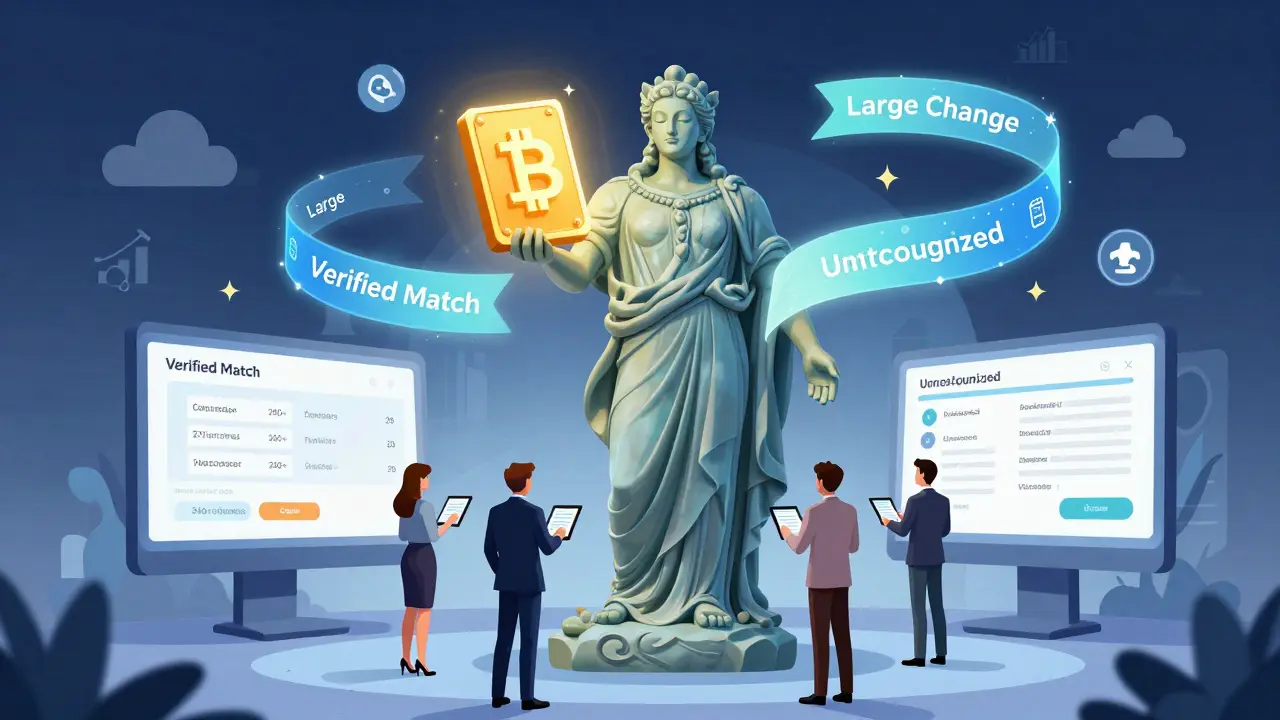
When you’re managing financial records, clinical trial data, or banking transactions, a single wrong digit can cascade into millions in losses or regulatory fines. That’s why enterprise systems like Oracle don’t just store data-they verify it, constantly and precisely. Oracle’s data verification methods aren’t just about checking if a number is in the right field. They’re about knowing why it’s wrong, how it got there, and what to fix next. And increasingly, these systems are being tied to blockchain-backed trails for tamper-proof audit logs.
How Oracle Verifies Data-And Why It Matters
Oracle’s verification tools don’t work in isolation. They’re built into Oracle Fusion Cloud Applications, Oracle Clinical One, and Oracle Banking Transaction Verification. Each system uses the same core logic: compare incoming data against trusted reference sources, flag mismatches, and assign a status code that tells you exactly what happened. There are 11 verification status codes, each with a clear meaning:- 0: Verified Exact Match
- 1: Verified Multiple Matches
- 2: Verified Matched to Parent
- 3: Verified Small Change
- 4: Verified Large Change
- 5: Added
- 6: Identified No Change
- 7: Identified Small Change
- 8: Identified Large Change
- 9: Empty
- 10: Unrecognized
Address Verification: More Than Just a Spell Check
One of the most powerful tools is Oracle’s Address Verification processor. It doesn’t just check if an address exists-it geocodes it, normalizes it, and matches it to postal authority databases across 240+ countries. But here’s the catch: accuracy drops outside North America and Europe. In regions like Southeast Asia or Sub-Saharan Africa, Oracle’s system hits 85-90% accuracy. Local providers like Loqate or Melissa Data often hit 95%+ because they’ve built hyperlocal rules for street naming, postal codes, and building numbering. The processor runs in three modes:- Verify (Best Match): 1 to 1 - Returns one best guess. Good for automated workflows.
- Verify (Allow Multiple Results) - Returns all possible matches. Useful when input data is messy, like a handwritten form.
- Search: 1 to Many - Cross-border search. Need to find all branches of a company in Germany, France, and Japan? This mode pulls them all.
Blockchain Integration: The Next Layer of Trust
Oracle’s upcoming Clinical One 24C release, scheduled for Q3 2024, will embed blockchain-based verification trails for clinical trial data. This isn’t a marketing buzzword. It means every data point-patient consent form, lab result, vital sign-gets a cryptographic hash recorded on an immutable ledger. If someone alters a lab value in the source system, the blockchain trail will show the original value, the time of change, and who made it. This matters because regulators like the FDA and EMA now require full traceability of clinical trial data. In the past, companies relied on audit logs that could be deleted or altered. With blockchain-backed verification, you can prove data integrity to auditors in seconds, not weeks. It’s not just for healthcare. Oracle’s financial services team is testing similar blockchain verification for transaction reconciliation. Imagine a payment of $47,892.15 going from Oracle Financials to a third-party clearinghouse. Instead of comparing two spreadsheets, both systems record the transaction hash on a shared, permissioned blockchain. Discrepancies? They’re instantly visible. No more “We thought they sent it” or “They say they didn’t receive it.”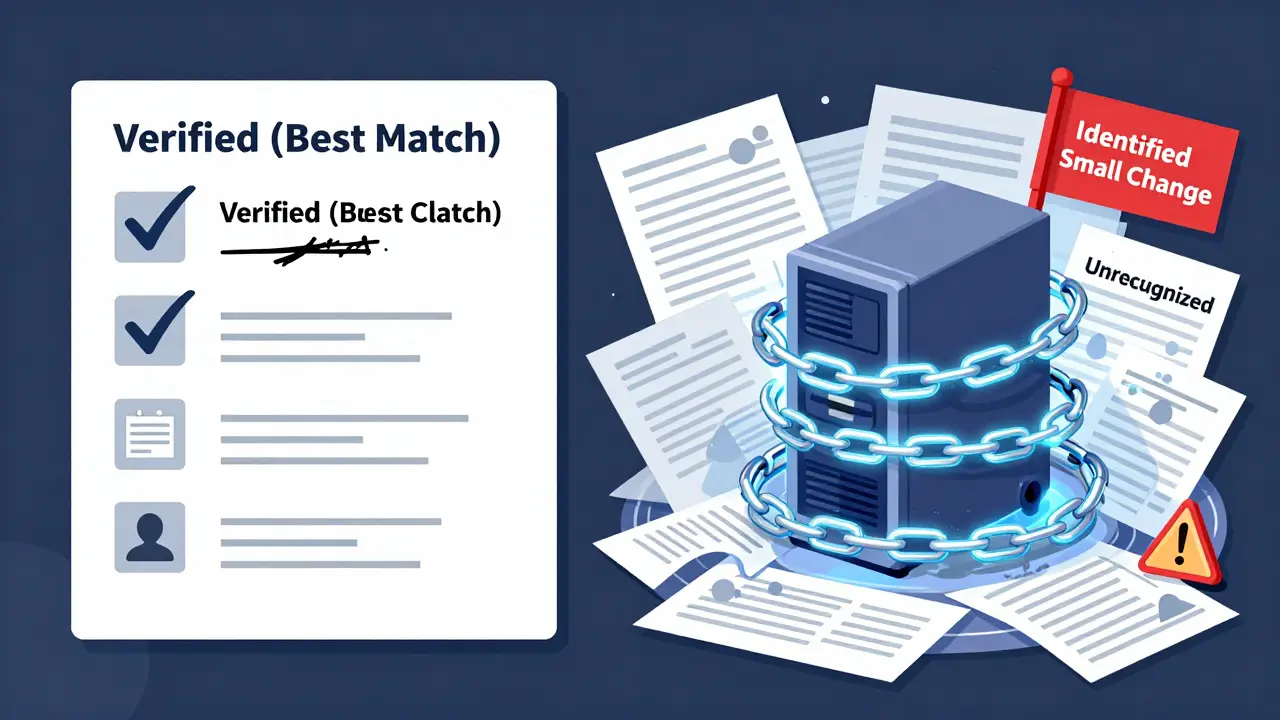
How Oracle Compares to the Competition
Informatica and Talend offer more connectors-150+ versus Oracle’s 50+. But if you’re running Oracle Fusion Cloud ERP or HCM, Oracle’s tools are 95% plug-and-play. You don’t need to write custom scripts to map fields. The system already knows that “Employee ID” in HR matches “Person Number” in Payroll. But here’s the trade-off: Oracle’s tools are optimized for Oracle ecosystems. If your data lives in Snowflake, Azure Synapse, or a legacy SAP system, you’ll hit friction. Gartner’s Q4 2023 report found 32% of Oracle customers using non-Oracle data warehouses struggled with integration. Informatica handles that better. But Informatica doesn’t have built-in verification for clinical trial protocols or banking transaction headers. Oracle does.Real-World Successes and Failures
Bank of America cut payment processing errors by 75% after implementing Oracle Banking Transaction Verification in 2023. The system caught mismatched SWIFT codes, duplicate transaction IDs, and invalid beneficiary names before payments went out. At Pfizer, Oracle Clinical One’s Source Data Verification (SDV) reduced query resolution time by 40%. Instead of verifying every single data point in a trial, the system focused only on critical variables-like drug dosage or adverse events. That cut manual review time from 120 hours per trial to 45. But not every rollout works. A major healthcare provider in Canada abandoned Oracle Clinical One’s SDV after six months. Why? The system couldn’t handle non-standard patient IDs used in rural clinics-like handwritten numbers or initials instead of full names. The tool kept flagging them as “Unrecognized,” forcing staff to manually override 300+ entries per week. They switched to a hybrid system with local validation rules.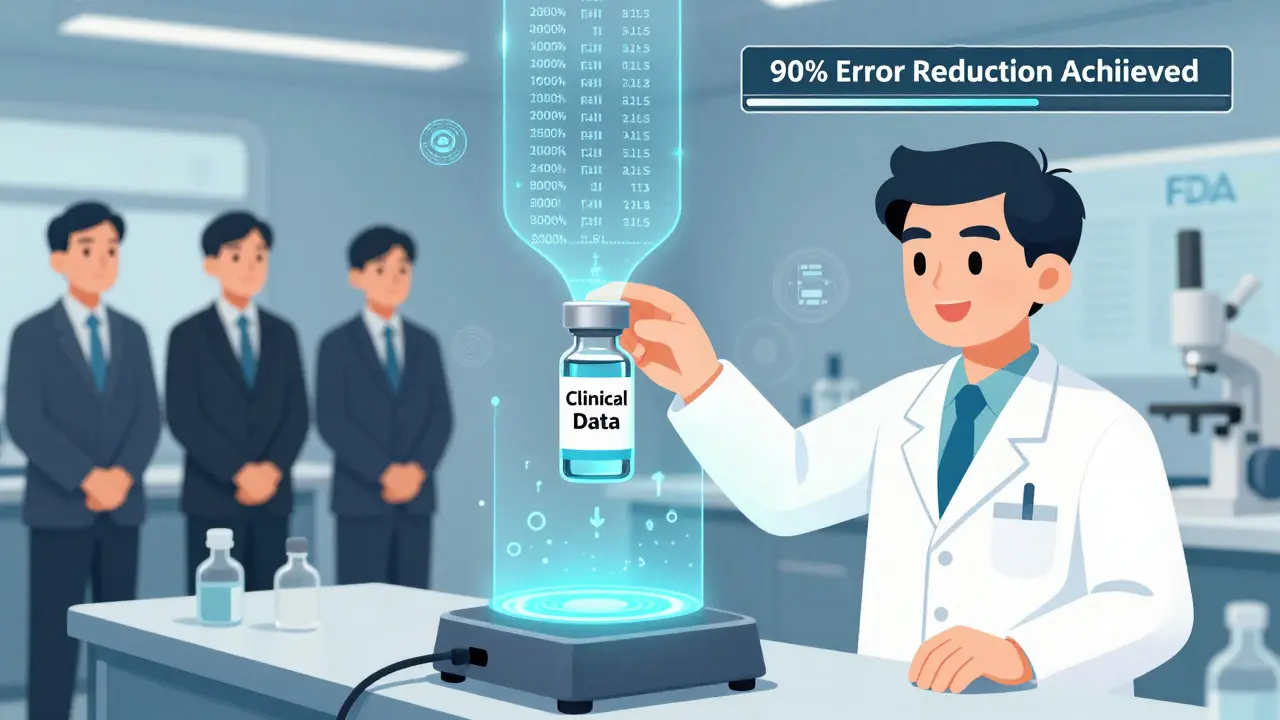
Getting Started: What You Need to Know
If you’re setting this up:- Create a dedicated validation user:
MyFAWValidationUser. No special characters. No spaces. Oracle’s system will reject it otherwise. - Ensure identical user privileges across Oracle Fusion Data Intelligence and your source apps (like E-Business Suite or HCM).
- Set up Source Credentials under Console > Data Validation > Source Credentials.
- Build your first validation set: pick subject areas (e.g., “Customer Addresses”), metrics (e.g., “Count of unmatched records”), and columns to compare.
- Start validating from the initial extract date. Trying to validate data pulled before that date gives false results.
What’s Next for Oracle Data Verification
Oracle’s 2024 roadmap includes AI that auto-suggests fixes for 65% of common validation errors. It’s already in Fusion Data Intelligence 22B. If a customer address is missing a zip code, the system might suggest the most likely one based on city and street patterns. By 2025, Oracle plans to let users describe a validation rule in plain English-like “Flag any transaction over $50,000 where the payee name doesn’t match the bank account holder”-and the AI will generate the rule automatically. The bigger shift? Moving from reactive verification to predictive data quality. Instead of waiting for a mismatch to happen, Oracle’s future systems will analyze historical patterns and warn you: “Based on past trends, 83% of addresses from this region get rejected. Pre-validate them before upload.”Is This for You?
If you’re using Oracle Cloud ERP, HCM, or Financials-and you care about compliance, audit trails, or reducing manual reconciliation-then yes. Oracle’s verification tools are among the most mature in the enterprise space. But if your data lives mostly outside Oracle’s ecosystem, or you need global address coverage beyond Europe and North America, you’ll need to layer in third-party tools. Don’t expect Oracle to fix everything. The real advantage isn’t the technology. It’s the integration. Oracle doesn’t just verify data-it understands how your business uses it. That’s why it’s the top choice for banks, pharmaceuticals, and manufacturers running Oracle systems. And with blockchain trails on the horizon, it’s becoming the gold standard for trust in enterprise data.What is the difference between "Verified" and "Identified" in Oracle’s status codes?
"Verified" means the system successfully matched the input data to a trusted reference source and made a correction if needed. "Identified" means the system spotted a discrepancy but didn’t fix it automatically-it’s flagged for human review. For example, status code 3 (Verified Small Change) means the system corrected a typo. Status code 7 (Identified Small Change) means it noticed the typo but didn’t auto-correct it-probably because the rule was set to require manual approval.
Can Oracle’s verification tools work with non-Oracle systems like Snowflake or SAP?
Yes, but with limitations. Oracle supports 50+ connectors, including SAP HANA and Microsoft SQL Server. But integration often requires custom scripts to map fields, and accuracy drops for non-Oracle data formats. Gartner reports 32% of users with mixed environments face integration issues. For non-Oracle-heavy setups, tools like Informatica offer broader native support.
Why does Oracle require a special user named MyFAWValidationUser?
This user acts as a secure bridge between Oracle Fusion Data Intelligence and your source applications. It needs identical privileges in both environments to pull and compare data without triggering security alerts. Using a generic account risks permission conflicts or audit violations. The name is standardized so Oracle’s systems can automatically recognize it during setup.
How accurate is Oracle’s address verification globally?
In North America and Western Europe, accuracy is 95% or higher. Outside those regions, it drops to 85-90%. This is because Oracle relies on standardized postal databases, which aren’t always available or updated in developing regions. For countries like India, Brazil, or Nigeria, local providers like Loqate or Melissa Data often outperform Oracle due to hyperlocal data partnerships.
Will blockchain verification replace traditional data validation in Oracle systems?
No-it will enhance it. Blockchain doesn’t replace the logic that checks if an address is valid or a number is in range. Instead, it adds an immutable layer that proves the data wasn’t altered after validation. Think of it like a digital notary stamp. The verification still happens the same way; now you have a tamper-proof record of when and how it happened.
How long does it take to train someone to use Oracle’s verification tools?
Experienced data analysts typically need 40-60 hours of training to configure custom validation sets. The basics-running a standard report-take a few hours. But building rules that handle edge cases, like international addresses or non-standard patient IDs, requires deep understanding of Oracle’s status codes and accuracy frameworks. Oracle University’s Data Validation Specialist certification covers this in a 5-day intensive course.
What’s the biggest mistake people make when implementing Oracle data verification?
Trying to validate data before the initial extract date. Oracle’s system only tracks changes from the point you set as the extract start. If you validate historical data from before that date, the system flags everything as “Unrecognized” or “Large Change” because it has no baseline. Always start with the extract date configured in your pipeline settings.


Liza Tait-Bailey
Oracle's verification codes are wild. I've seen status code 10 pop up for addresses in rural India where the postal system doesn't even have names for the roads. It's not wrong data-it's just not in their database. They need to stop treating global data like it's a suburban US zip code.
nathan yeung
bro why does oracle even care if you use 'St' or 'Street'? it's the same damn place. i've seen systems reject valid addresses because of punctuation. it's not data quality, it's arrogance.
Bharat Kunduri
THIS IS WHY I HATE ENTERPRISE SOFTWARE. You spend 3 weeks setting up validation rules, then it flags 8000 'Unrecognized' entries because someone typed 'Mumbai' instead of 'Bombay' in 2017. And now we have to manually fix it? I'm not a data janitor.
Chris O'Carroll
Let me get this straight - Oracle's blockchain solution is just a digital notary stamp? That’s like putting a gold seal on a broken calculator and calling it a quantum computer. The verification logic is still garbage, you’re just making the failure more visible. And people pay millions for this?
Vinod Dalavai
Real talk - if you're in a country where street names change every 5 years and addresses are based on landmarks ('next to the big tree, past the red shop'), no system will fix that. Oracle’s tools are great for corporate HQs. But for field teams in Nigeria or Indonesia? They need local tools, not global templates. Just sayin’.
Anna Gringhuis
Of course Oracle’s address verification drops to 85% outside Europe - because they assume the world writes addresses like Americans. Meanwhile, Loqate actually hired people who live in those countries to build the rules. Oracle’s solution isn’t broken - it’s colonial.
Michael Jones
For anyone implementing this: always use MyFAWValidationUser exactly as written - no spaces, no special characters, no lowercase 'f'. Oracle’s parser is case-sensitive and will reject the user if you typo it. I’ve seen teams waste two weeks on this. It’s not a bug - it’s a feature.
Lauren Bontje
Oracle’s 'blockchain integration' is just marketing fluff wrapped in a $200k license. Every other vendor has had tamper-proof logs for years. Oracle’s just catching up and slapping a buzzword on it. And now they want you to pay extra for the 'trust layer'? Please.
Haley Hebert
Okay but have you tried using this with patient IDs that are handwritten in rural clinics? I worked on a project where nurses wrote 'J. Smith' or 'Patient #7' because the hospital didn’t have barcode scanners. Oracle flagged every single one as 'Unrecognized' - even though the nurses knew exactly who it was. The system didn’t understand context, only syntax. It’s like trying to teach a calculator empathy.
Jill McCollum
OMG I just realized - Oracle’s 'Verified Small Change' vs 'Identified Small Change' is basically the difference between 'I fixed it for you' and 'I saw it but I'm not touching it 😅'. It's so human. Like when your partner notices you left the dishes but doesn't do them because 'you didn't ask'. That's status code 7 right there.
Hailey Bug
If you're using this in clinical trials, make sure your source systems are synced to UTC. I saw a team spend three months debugging 'Large Change' flags - turns out their EHR was in EST and Oracle was in UTC. The timestamps were off by 5 hours. The system didn’t know it was the same event. Always check time zones. Always.
Dustin Secrest
Isn’t it funny how we treat data like it’s sacred text? We build these elaborate verification systems to prevent error, but we forget that data is made by humans - messy, tired, distracted humans. Maybe the real problem isn’t the mismatched address - it’s the 14-hour shift the nurse worked before typing it in. The system can’t fix burnout.
Josh V
Blockchain for clinical data? Yes. But let’s not forget the real win - reducing manual review from 120 hours to 45. That’s 75 hours back in someone’s life. That’s not tech. That’s dignity. Oracle finally did something that actually helps people instead of just checking boxes.
Stephen Gaskell
Oracle’s tools only work if you’re in their walled garden. If you’re using Snowflake or SAP, you’re paying for a luxury car that only runs on Oracle gas. Stop pretending it’s universal. It’s not.
CHISOM UCHE
From a data governance perspective, the 11 status codes are a beautifully hierarchical taxonomy - each layer abstracting intent: verification, identification, correction, and rejection. The real innovation isn’t the algorithm - it’s the semantic layer that maps business logic to system behavior. This is enterprise data architecture at its most mature.
Ashlea Zirk
It is imperative to note that the initial extract date configuration is not merely a technical setting - it is a foundational element of the data lineage model. Failure to align this parameter with the source system’s historical data capture window results in systemic false positives, which propagate through downstream validation processes and compromise audit integrity.
Shaun Beckford
Oracle’s blockchain thing? It’s like putting a velvet rope around a leaky bucket. The bucket still leaks. You just made it look expensive while it’s flooding your basement. Meanwhile, real companies use simple hash chains on PostgreSQL. No blockchain. No $500k license. Just code that works.
Chris Evans
We’re treating data like it’s a god. But data is just a reflection of human decisions - flawed, rushed, biased, beautiful. Oracle’s system doesn’t understand context. It doesn’t know that 'St' isn’t a typo - it’s a cultural shorthand. It doesn’t know that a rural clinic’s handwritten ID isn’t a mistake - it’s survival. We’re automating judgment. That’s not progress. That’s erasure.
Pat G
USA-made tools don’t work in Africa. End of story. Oracle thinks they can plug their software into Nigeria and fix everything? They don’t even know what a 'compound' address is. This isn’t innovation - it’s cultural imperialism wrapped in a SaaS contract.