Surface Crypto Exchange Review: Is It Right for You in 2026?
So, you’ve heard the name Surface popping up in crypto circles. Maybe a friend mentioned it, or you saw an ad promising lower fees than the big names. But here’s the thing: with hundreds of exchanges out there, how do you know if this one is actually worth your time and money? You don’t want to get stuck with hidden costs or a clunky interface that makes trading feel like pulling teeth.
This review cuts through the noise. We’re looking at Surface not just as another logo on a website, but as a tool you might actually use every day. Is it fast enough for active traders? Is it simple enough for someone buying their first Bitcoin? And most importantly, is it safe? Let’s break down exactly what Surface offers, where it falls short, and who should actually sign up.
What Exactly Is Surface?
Surface is a cryptocurrency exchange platform designed to bridge the gap between traditional banking ease and decentralized finance power. Unlike some exchanges that feel like they were built by engineers for other engineers, Surface aims for a cleaner, more intuitive user experience. Think of it less like a stock ticker board from the 1980s and more like a modern fintech app.
The core idea behind Surface is simplicity without sacrificing control. Many beginners start on apps like Coinbase or Robinhood because they are easy, but then hit a wall when they want to access specific altcoins or trade with lower fees. Surface tries to solve that by offering a middle ground. It provides direct market access-meaning you see the real order book-but wraps it in an interface that doesn’t require a degree in computer science to navigate.
It supports major cryptocurrencies like Bitcoin (BTC), Ethereum (ETH), and Solana (SOL), along with a curated list of popular altcoins. The platform isn’t trying to list every single token ever created; instead, it focuses on assets with decent liquidity and regulatory clarity. This approach reduces the risk of you getting stuck holding a "ghost coin" that nobody wants to buy back.
Fees and Costs: Where Does Your Money Go?
Fees are the silent killer of profits. If you’re trading small amounts frequently, high fees can eat up all your gains before you even make a profit. So, how does Surface stack up against competitors like Kraken or Binance?
Surface uses a maker-taker fee model, which is standard for serious exchanges. Here’s the breakdown:
- Maker Fees: If you place a limit order that sits on the book (you "make" liquidity), you pay around 0.15%.
- Taker Fees: If you buy or sell immediately at the current market price (you "take" liquidity), you pay around 0.25%.
- Withdrawal Fees: These vary by network. Withdrawing Bitcoin usually costs less than withdrawing Ethereum due to gas fee differences, but Surface tends to keep these close to actual network costs rather than marking them up heavily.
| Exchange | Maker Fee | Taker Fee | Best For |
|---|---|---|---|
| Surface | 0.15% | 0.25% | Balanced users wanting clarity |
| Kraken Pro | 0.16% | 0.26% | Advanced traders |
| Coinbase Standard | N/A | ~0.50% + spread | Beginners (easy UI) |
| Binance US | 0.10% | 0.10% | High-volume traders |
Notice something? Surface isn’t the cheapest. Binance US beats it on pure volume discounts. But Surface isn’t the most expensive either. Coinbase’s standard buy/sell spreads can easily exceed 1% depending on volatility. Surface hits a sweet spot for casual investors who don’t trade millions but still hate seeing huge spreads. Plus, they often run promotions where you get a discount on trading fees if you hold their native utility token, if applicable.
User Experience and Interface
Let’s be honest: if an app is ugly or confusing, you won’t use it. I’ve tried dozens of exchanges, and many look like they haven’t been updated since 2017. Surface feels different. It’s clean. The dashboard shows your portfolio value clearly, with a simple toggle to switch between USD and BTC views. That sounds basic, but you’d be surprised how many platforms bury this feature under three menus.
The mobile app is particularly strong. It syncs perfectly with the desktop version, so if you set up a limit order on your laptop, you can monitor it on your phone during lunch. Notifications are smart, too. Instead of spamming you with every price tick, it alerts you when your orders fill or when a significant price movement happens in your watchlist.
However, it’s not perfect. Advanced charting tools are present but limited compared to TradingView integrations found on Kraken or Bybit. If you’re a technical analyst who needs 50 indicators on one screen, you might find Surface’s charts a bit bare-bones. For most people, though, the default view is more than enough.
Security and Trust: Can You Sleep At Night?
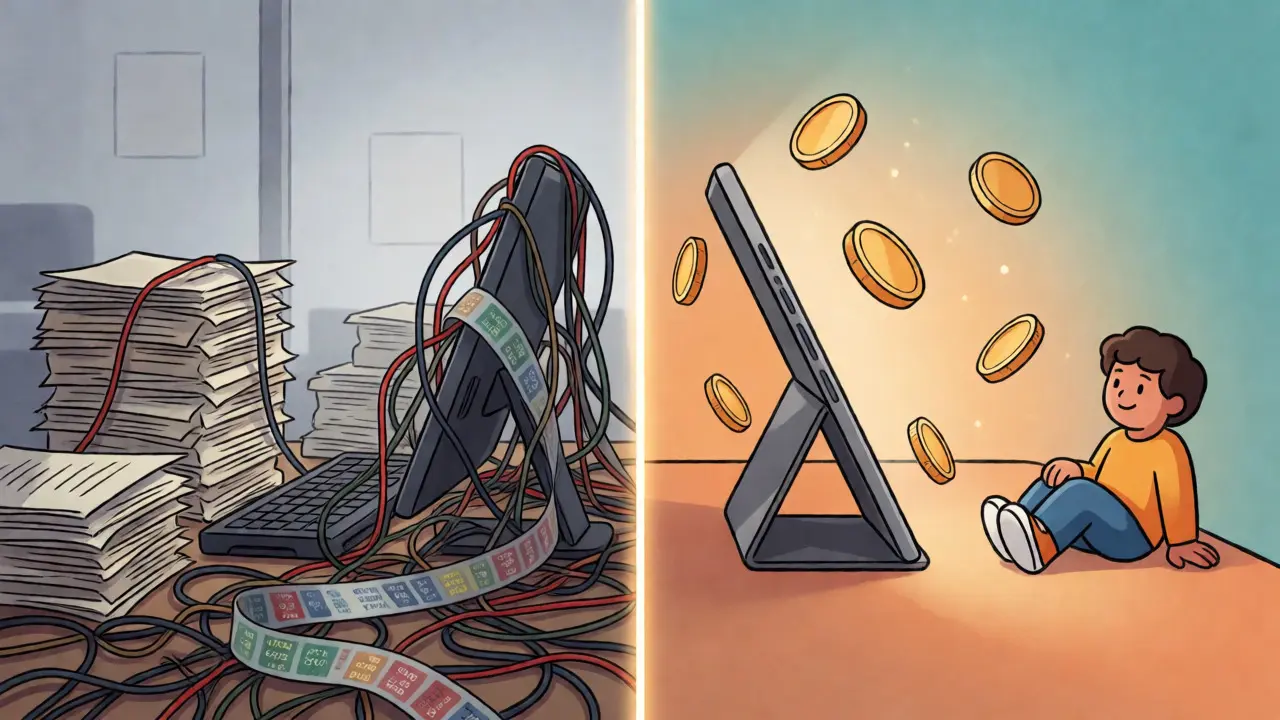
In crypto, security isn’t just a feature; it’s the whole product. Remember Mt. Gox? Or FTX? When an exchange fails, you lose everything. So, what keeps your coins safe on Surface?
First, Surface employs cold storage for the majority of user funds. This means most of the crypto held on the platform is offline, away from hackers targeting hot wallets. They claim to keep over 95% of assets in cold storage, which is industry-standard best practice.
Second, two-factor authentication (2FA) is mandatory for withdrawals. You can’t just log in with a password and move your money. You need a code from an authenticator app. SMS-based 2FA is supported but discouraged due to SIM-swapping risks. Using an app like Authy or Google Authenticator adds a crucial layer of protection.
Third, regulatory compliance. While Surface operates globally, its availability in regulated jurisdictions like the US and EU suggests they adhere to strict KYC (Know Your Customer) and AML (Anti-Money Laundering) laws. This means you’ll have to upload ID documents to verify your account. Annoying? Yes. But it also means the company isn’t operating in the shadows, which reduces the risk of sudden shutdowns by regulators.
Who Should Use Surface?
No exchange is right for everyone. Here’s a quick guide to help you decide if Surface fits your profile.
Perfect for:
- The Intermediate Trader: You’ve bought Bitcoin before. You understand what a limit order is. You want lower fees than Coinbase but don’t want the complexity of Binance’s global site.
- The Privacy-Conscious User: You prefer platforms that don’t aggressively market to you or share data unnecessarily. Surface’s focus is on functionality, not social features.
- Mobile-First Investors: If you manage your portfolio primarily from your smartphone, Surface’s app performance is top-tier.
Not ideal for:
- Total Beginners: If you’ve never bought crypto before, the learning curve might be slightly steeper than something like Cash App or Robinhood. You’ll need to learn basic trading concepts quickly.
- HODLers of Obscure Altcoins: If you’re hunting for the next meme coin that launched yesterday, you probably won’t find it here. Surface lists established tokens.
- Institutional Traders: If you need OTC desks, massive API limits, or dedicated account managers, you’re better off with Coinbase Prime or Kraken Institutional.

Pros and Cons at a Glance
To summarize our findings, here’s a balanced look at the strengths and weaknesses of the platform.
| Pros | Cons |
|---|---|
| Clean, intuitive interface | Limited selection of altcoins |
| Competitive maker/taker fees | Basic charting tools |
| Strong security measures (cold storage) | Customer support can be slow during peaks |
| Good mobile app integration | No advanced margin trading options yet |
Final Verdict: Worth the Switch?
If you’re currently paying 1%+ spreads on Coinbase or struggling with the overwhelming layout of Binance, Surface is a solid alternative. It doesn’t try to be everything to everyone. It’s not the cheapest, nor does it have the most coins. But it strikes a rare balance: it’s professional enough for serious trades while remaining accessible enough for everyday use.
I’d recommend starting with a small deposit. Test the withdrawal process. See how long verification takes. Once you’re comfortable, you might find yourself moving more of your portfolio here simply because the friction is low. In the world of crypto, low friction is often the best feature of all.
Is Surface available in the United States?
Yes, Surface is available to US residents. However, due to state-specific regulations, certain features like staking or derivative trading may be restricted in states like New York or Hawaii. Always check the specific terms for your location upon signup.
How long does it take to withdraw funds?
Crypto withdrawals are typically processed within 10-30 minutes, depending on network congestion. Fiat withdrawals via bank transfer (ACH) can take 1-3 business days. Wire transfers are faster but come with higher fees.
Does Surface offer customer support?
Support is available via email and live chat. Response times vary; during normal hours, chat responses are usually within 15 minutes. During high-volatility events, wait times can extend to several hours. There is no phone support for general inquiries.
Can I buy crypto with a credit card on Surface?
Yes, but be aware that credit card purchases often incur higher processing fees (around 3-4%) compared to bank transfers. Some cards may also treat crypto purchases as cash advances, triggering additional interest charges from your issuer.
Is Surface insured against hacks?
Like most non-custodial-leaning exchanges, Surface does not provide FDIC insurance for crypto holdings. However, they maintain insurance policies for digital assets held in their custody against theft and fraud. Fiat balances in USD are generally held in partner banks that may offer pass-through FDIC coverage, but check the latest terms.